Snap — choose how to capture
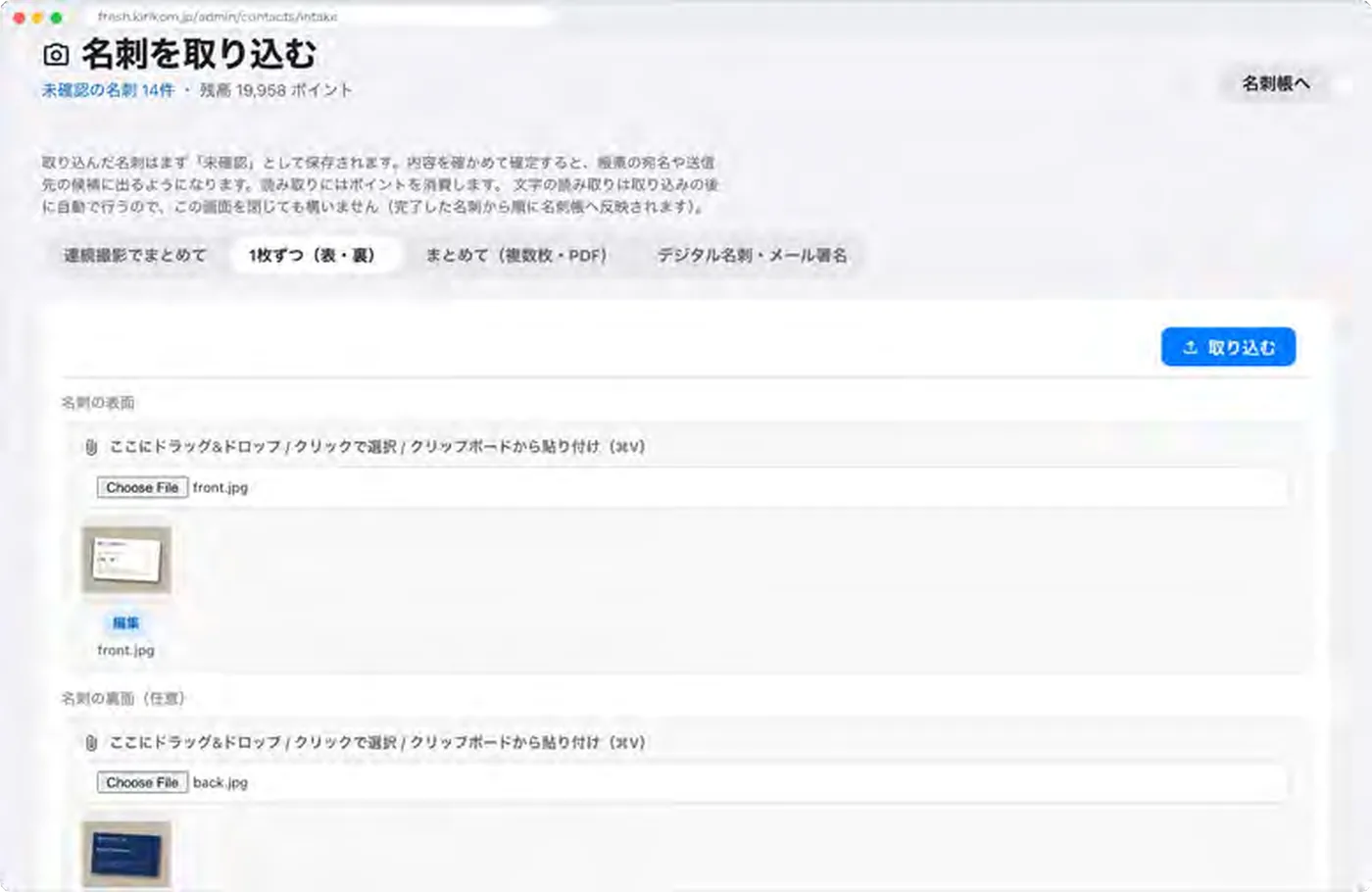
A stack of cards from a trade show or one card at a time, all in the same app.
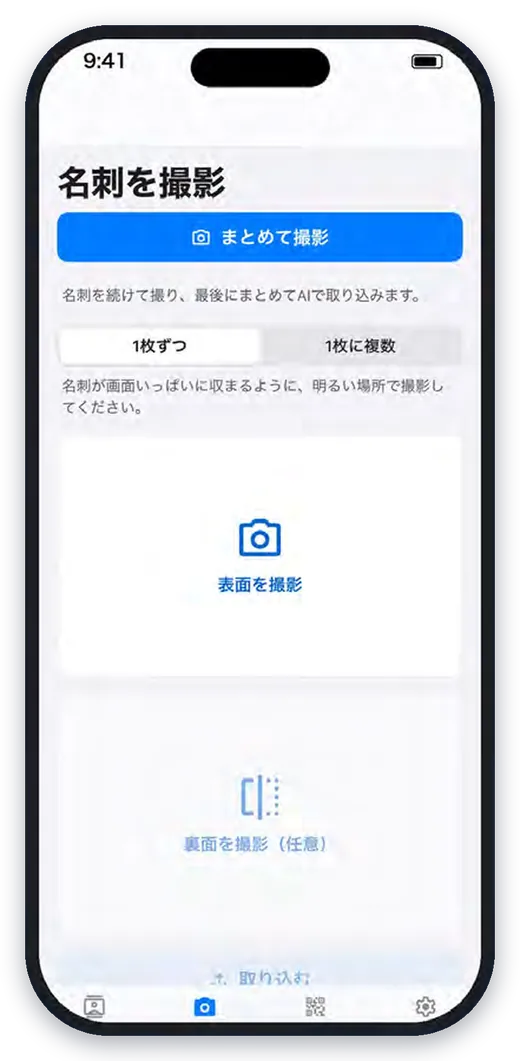
Batch capture
Shoot card after card, then let AI import them all at once. Handy after a trade show.
Front and back
Read both sides as one card — including cards with English on the back.
Several cards in one photo
Lay cards out on a desk and take one photo. Each card is cut out and read separately.
From photos and files
Your camera roll, plus images in iCloud Drive, Google Drive and OneDrive.
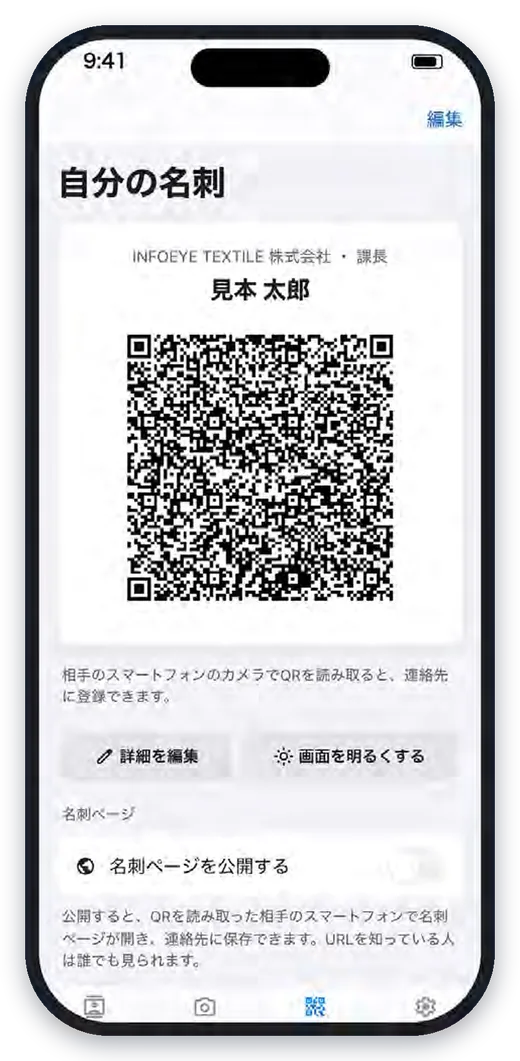
Digital card QR codes
Scan the QR code of digital business cards such as Eight.
Works offline
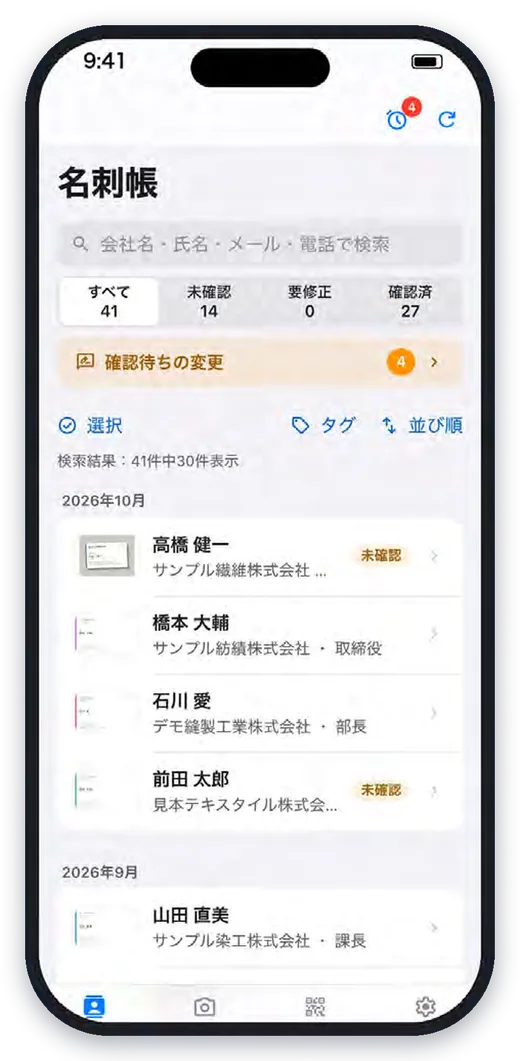
Cards are kept on the phone and sent automatically when you are back online — never registered twice.